FLIGHT ALERTS
CHOPPERS APP®
KNOW BEFORE YOU FLY
 CHOPPERS APPKNOW BEFORE YOU FLY
CHOPPERS APP®KNOW BEFORE YOU FLY
Personal tools locked
Send them the app link so they can take a look.

Log in to back up files for another device.
KNOW BEFORE YOU FLY
An independent North Sea offshore information tool.
Explore installations, flights and weather, and keep your Rota, certificates and rope hours together. Share & Watch lets others follow the flight link you choose to send.
Flight and travel information is indicative. Always confirm current details with your operator.
By Realms Seed® AI Ltd.
Applies to checked people on this date. Existing hours are replaced; you can adjust each person afterwards.
Open any AI assistant, paste the prompt into a new chat and leave it unsent.
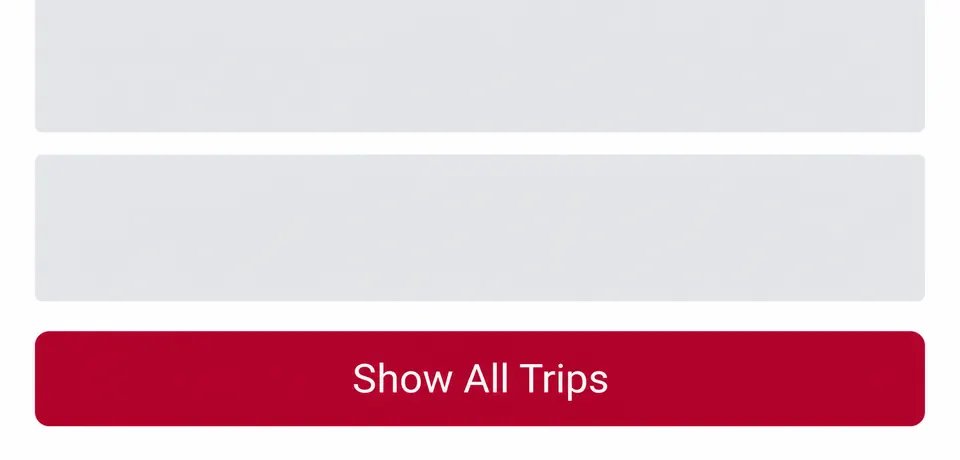
Tap Show All Trips, then wait until the older trips appear.
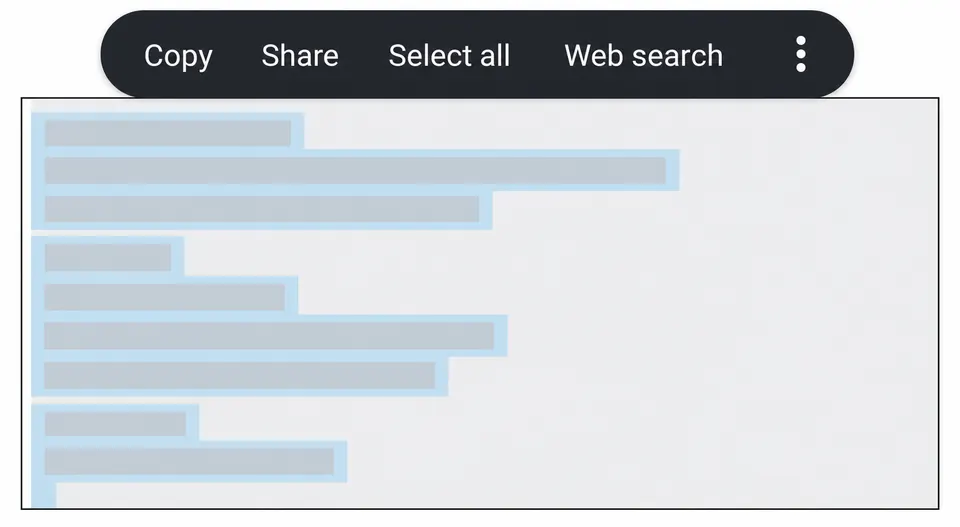
Long-press the trip text, choose Select all, then Copy. Return to the AI draft, paste the history below the prompt, then send it and save the history file.
Search details stay on this screen and go straight to the named provider. CHOPPERS APP does not book, sell or store them.
Daily briefs include pre-mob and travel reminders from saved trips.
CURRENT INSTALLATION: CHOOSE AN INSTALLATION
Nearby installations within about 27 NM.
Illustrative view · calculated bearings, not confirmed visibility.
Select an installation on the map.
Choose a topic to learn what it does. Use its arrow to open the feature.
Find your personal tools together. Rota plans your trips. Cert Watch keeps certificate dates in view. ROPES records hours. Trips History keeps your flight records. Compare & Save opens price checks. Share & Watch and D BRIEF are here too.
Plan trips and crew-change dates, add notes, and create a Share & Watch link from a planned flight date.
Keep your offshore certificate dates, reminders and scans together in Cert Watch.
Record rope-access hours in a 14-day log and export them when needed.
Read current conditions, the Daily brief and forecasts for your chosen installation. Check the observation time and source before using weather information.
Operator boards show published flight details. When CHOPPERS APP matches an airborne row to a visible live helicopter, VIEW opens that flight on the map.
Create a flight link from Rota before it appears on a board, or use SHARE on an operator board. Send the link with your phone's normal share options. The person opening it chooses whether to receive updates.
Live tracking appears only when CHOPPERS APP can match the link to the exact flight.
Browse information about helicopters, operators and the offshore world.
Show observed flight positions as a path. Choose the current flight path or all available observed paths.
ALT colours helicopters using recent measured altitude. An altitude-coloured trail appears only where measured altitude history is available.
Shows nearby installations by distance and direction. Select a marker to learn about an installation or continue into HORIZON.
An illustrative view of nearby offshore installations. It helps you picture what is around a chosen location; it is not a live camera or navigation display. Rotate your phone for the wider view.
Choose a weather layer to see conditions over the map. The visibility slider changes how strongly the selected layer is drawn; it does not change the forecast.
Move the map with one finger and pinch with two fingers to zoom. Hold a clear part of the map briefly to turn on loaded wind, gust, wave and swell readings. The crosshair stays on screen and readings update as you move the map beneath it. Hold another spot to move the crosshair, or tap its close button to hide readings. Marker taps and mouse dragging work as usual.
Read the latest news and updates available in CHOPPERS APP.
Tap an installation on the map to read its details and available conditions. Search at the top to find a place by name.